BookNook. Grow together. Customer Help.

BookNook Student Smartwatches – Messenger App Set

ABOUT

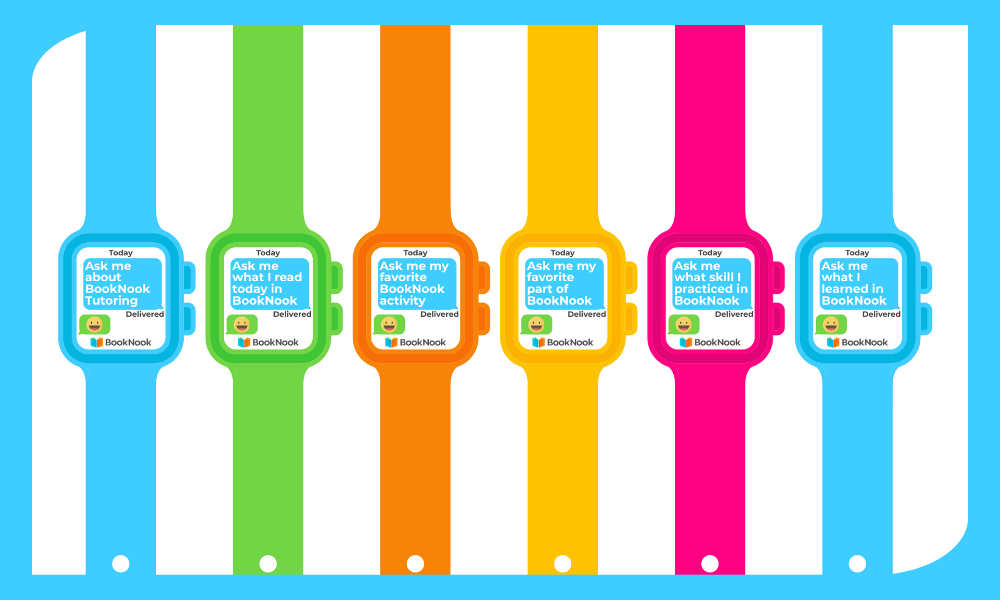
Use this set of BookNook Student Smartwatches to display a conversation starter to engage caregivers at home.

How to Use this Resource

Prepare watches at the start of your program so they’re ready to hand out anytime!

  • Choose your design style.
  • Open the PDF in your preferred PDF viewer (e.g., Adobe Reader).
  • Select Print.
  • Personalize (for blank watch faces): Handwrite your message, reminder, or recognition directly on the watch or have students write the message.
  • Cut around the edges of each smartwatch.
  • Wrap around the student’s wrist with the logo-side of the strap facing up and secure with a small piece of tape.