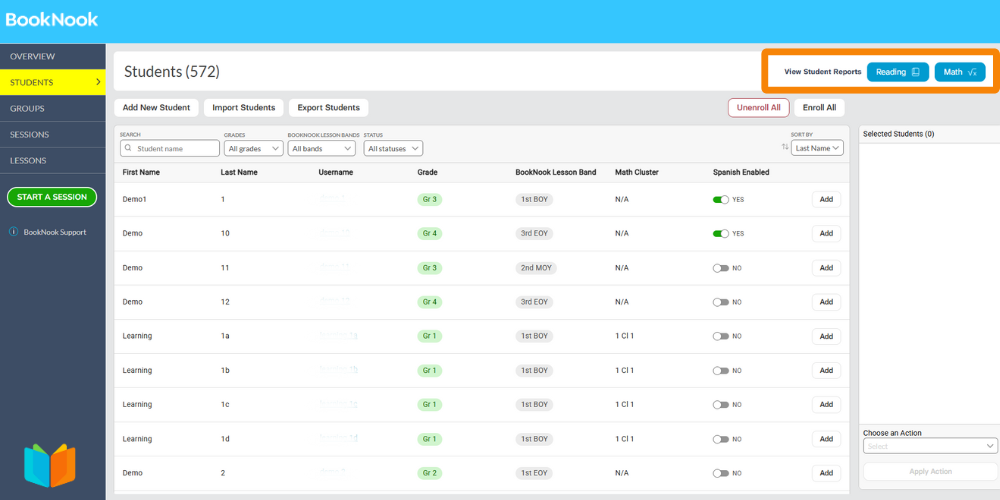
You can now view and download student progress reports directly from your BookNook Dashboard. These cumulative reports are available by subject (Reading or Math) and are designed for easy printing and sharing.
How to access them:
- Navigate to the Students page on the BookNook Dashboard..
- Select the Reading or Math button at the top right of the page to preview reports.
- Click the Download (PDF) button to save the file to your computer.
Learn more about the BookNook Dashboard and the information available.