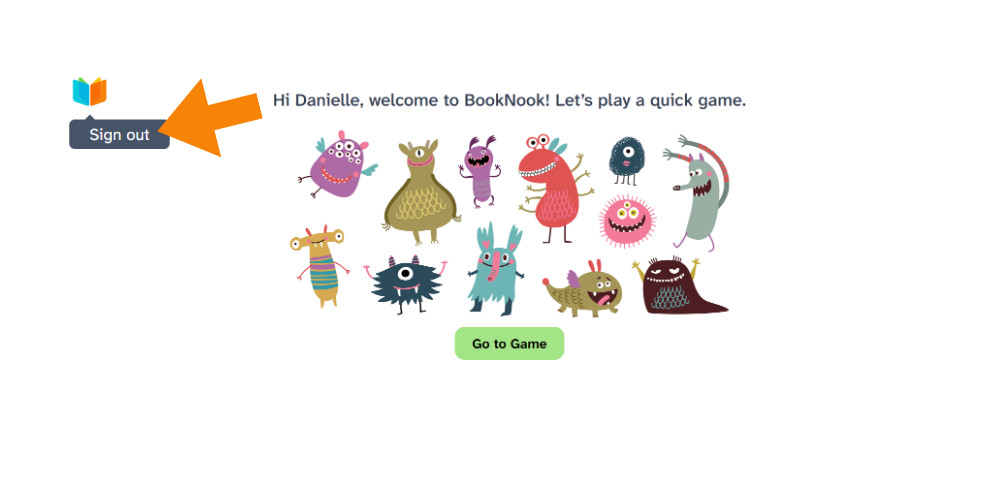

How do students exit a session and log out?
At the end of a session, click the BookNook logo in the top-left corner and select Sign out from the dropdown menu.
At the end of a Reading Session – students will see the following screen. Click the BookNook logo and select Sign out:
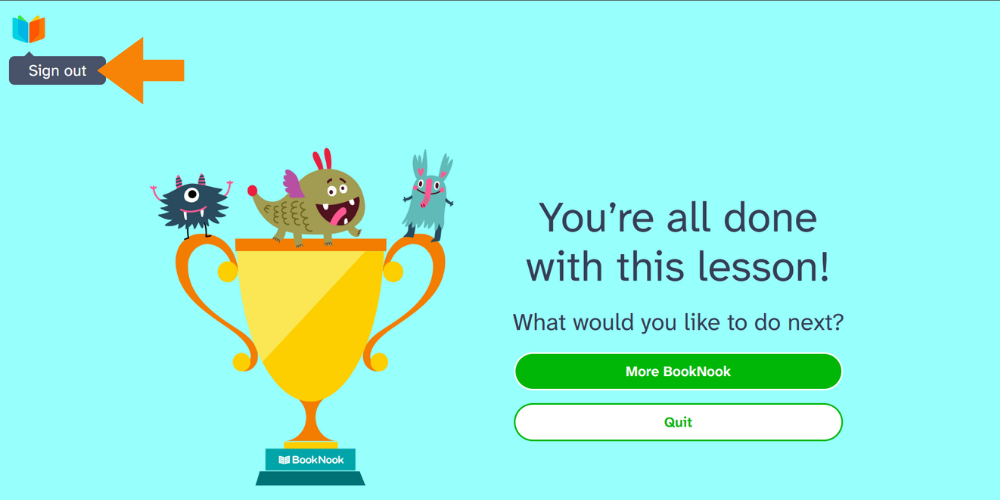
At the end of a Math Session – students will return to the game screen. Click the BookNook logo and select Sign out: