BookNook Student Smartwatches – Goal / Activity App Set
BookNook Math, BookNook Reading, BookNook Virtual Tutors, Own Staff
Last Updated
ABOUT
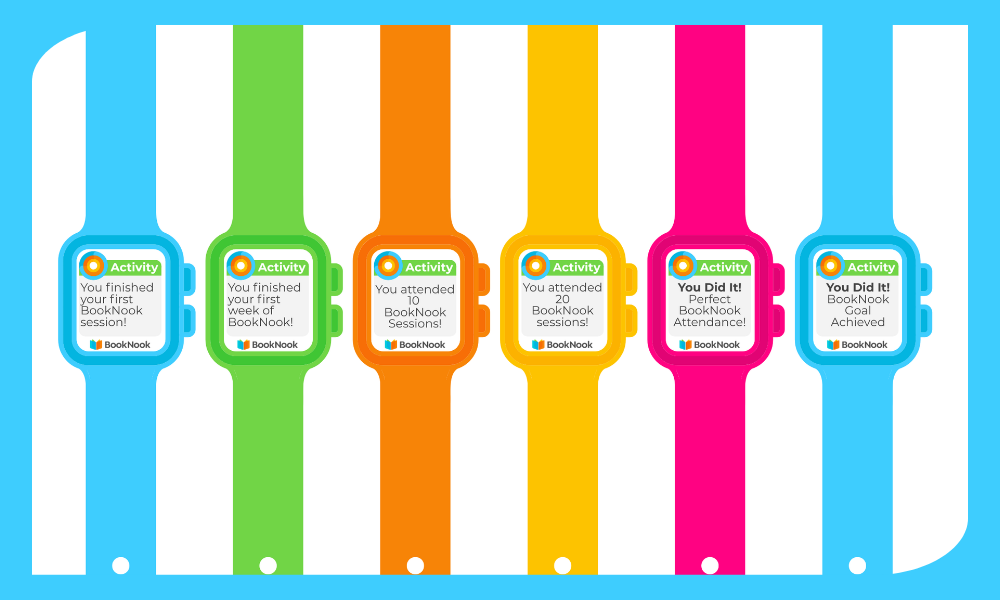
Use this set of BookNook Student Smartwatches to call out milestones & student BookNook goals reached.
How to Use this Resource
✔Choose your design style.✔Decide how many pages to print based on the number of students.✔Open the PDF in your preferred PDF viewer (e.g., Adobe Reader).✔
Select Print and confirm the following settings:
• Page Size: Actual Size or 98%
• Orientation: Landscape
✔
Personalize (for blank watch faces): Handwrite your message, reminder, or recognition directly on the watch or have students write the message.
Tip: Prewrite watches at the start of your program so they’re ready to hand out anytime during your program.
✔Cut around the edges of each smartwatch.✔Wrap around the student’s wrist with the logo-side of the strap facing up and secure with a small piece of tape.