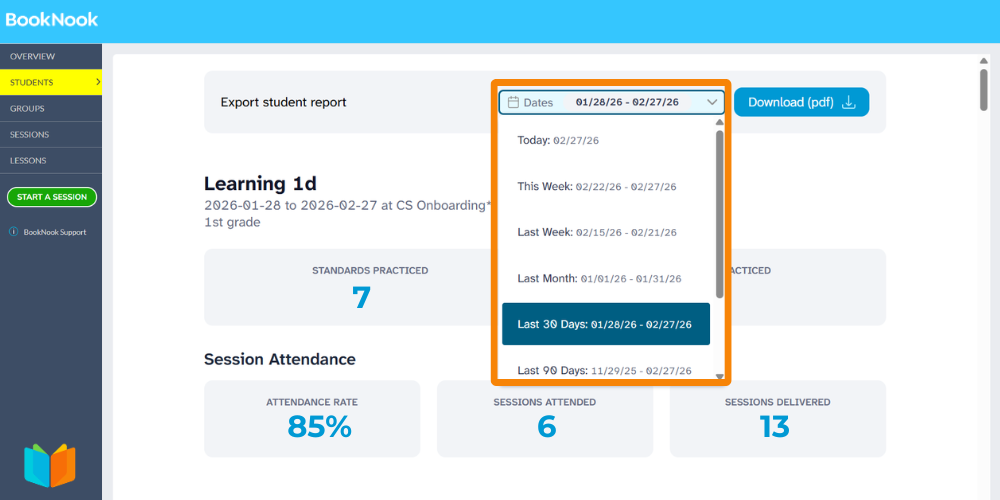
You can now customize the timeframe for your Student Reports! Utilize the date filter to generate progress reports for specific periods or your own custom time frame!
How to filter reports by date:
- Navigate to the Students page on your BookNook Dashboard.
- Select the Reading or Math button to open the report preview.
- Use the Date filter at the top of the page to select your desired timeframe. The preview will update automatically.
- Click the Download (PDF) button to save a copy that includes your selected date range
Learn more about the BookNook Dashboard and the information available.