How do students join a session with their tutor?
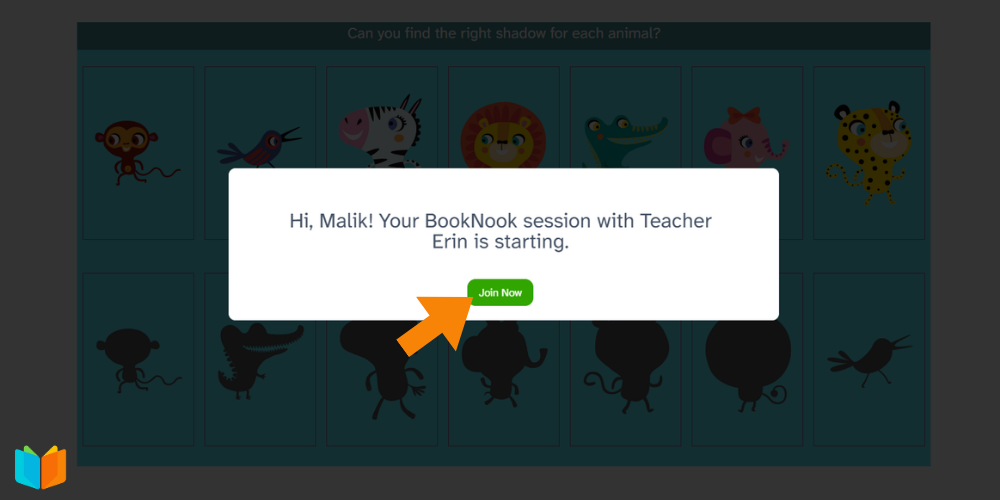
When the tutor starts the session, a pop-up window will appear on the students’ screen inviting them to join the session. Students should click the Join Now button.



When the tutor starts the session, a pop-up window will appear on the students’ screen inviting them to join the session. Students should click the Join Now button.