

How do staff members log in to the BookNook dashboard manually?
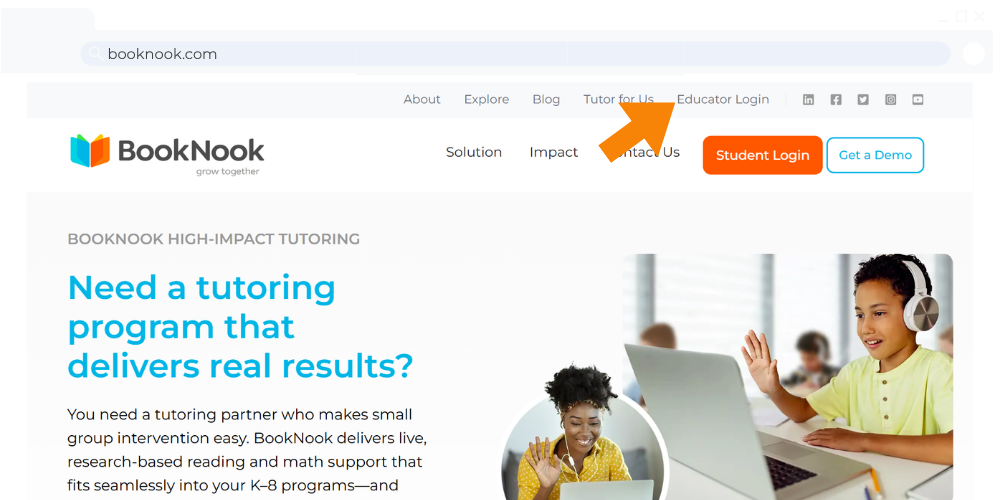
1. Go to booknook.com using a supported browser (such as Google Chrome, Safari, or Microsoft Edge). Click on Educator Login at the top.
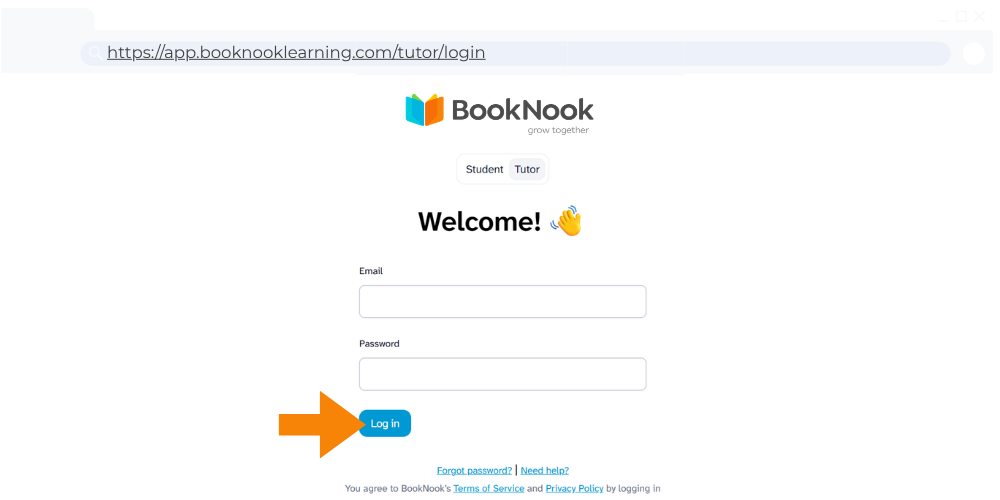
2. Enter your email and password. Click Log in.
3. Once logged in, you will see the BookNook Dashboard.
Tip: Bookmark or add a shortcut to the Login Page for future use: https://app.booknooklearning.com/tutor/login
Check out the BookNook – Staff Login Guide – a printable PDF to assist staff members with logging into the BookNook Dashboard.