Lesson plan and slide deck walking those supervising students through introducing students to the BookNook Reading Classroom.
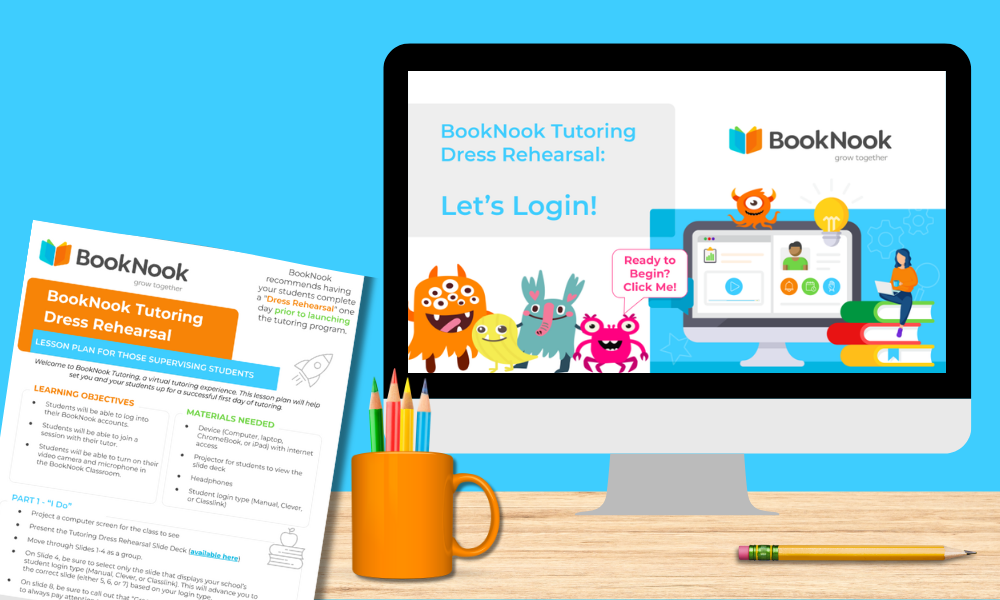
The dress rehearsal includes 2 key resources: a Lesson Plan for those supervising students and a Student-facing Slide Deck.
Use both together!
BookNook recommends having your students complete a “Dress Rehearsal” one day prior to launching the tutoring program.
1
Student Supervisor Lesson Plan
Download the Dress Rehearsal Lesson Plan
2
Student-Facing Slide Deck
Display Student Slide Deck
1
Student Supervisor Lesson Plan
2
Student-Facing Slide Deck
1. Download the Reading Dress Rehearsal Lesson Plan
ABOUT
This Lesson Plan is designed specifically for supervisors to lead a “Dress Rehearsal,” prior to BookNook Tutoring start – ensuring every student feels confident before their first BookNook Reading session.
How to Use this Resource
✔ BookNook recommends completing this rehearsal prior to your official program launch.
✔Download the Lesson Plan PDF to familiarize yourself with the talking points and student activity.
This student-facing deck serves as the visual guide for your Dress Rehearsal and incudes student-facing slides for:
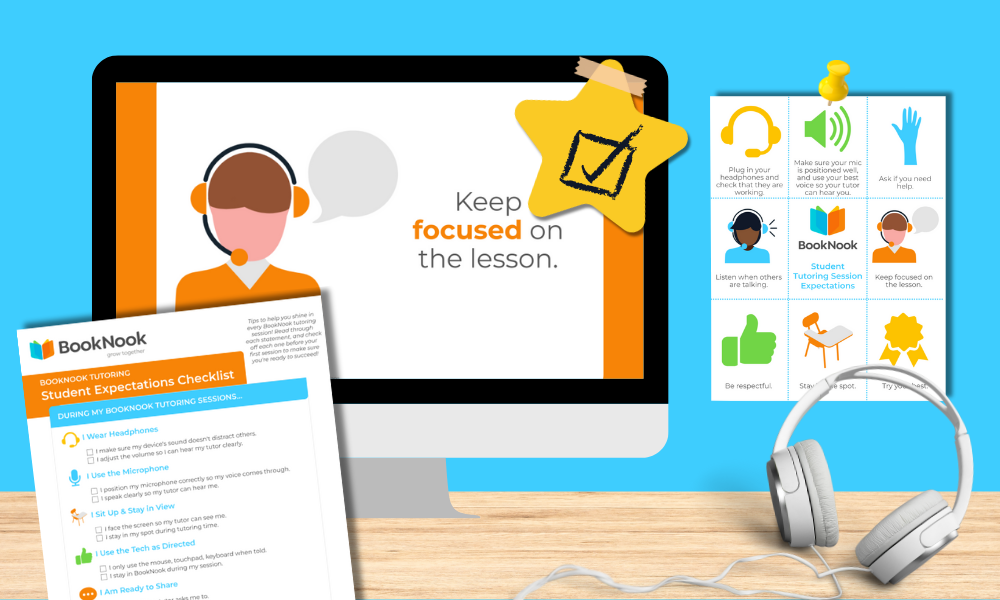
Reviewing expectations for tutoring
Practicing how to log in
Setting up audio + video permissions
Navigating the BookNook Reading Classroom
How to Use this Resource
✔ Click the three dots ⋮ in the bottom-left corner of the slide deck and select “Enter full screen” to share it with students.
✔ Follow the talking points in the Lesson Plan (from Step 1) while advancing these slides.
✔Make it interactive: walk students through a “practice login” so they are ready for day one.
Student Engagement
Encourage ownership by inviting students to lead a slide or act as “feature experts” for their peers. End the rehearsal by having the group decide on a Team Goal for their first tutoring week – for example: everyone is able to log in or everyone is able to turn their camera on.