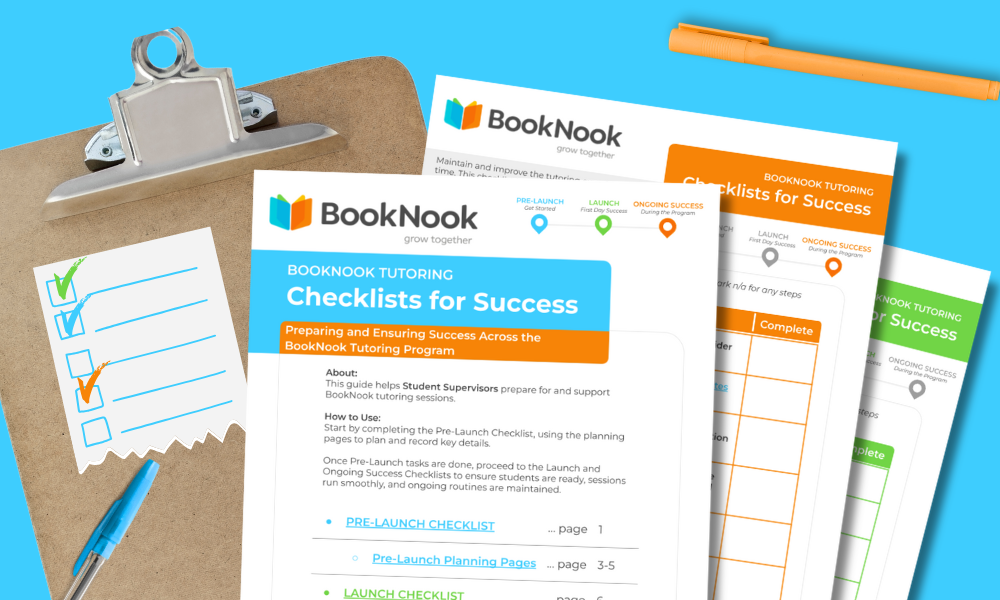
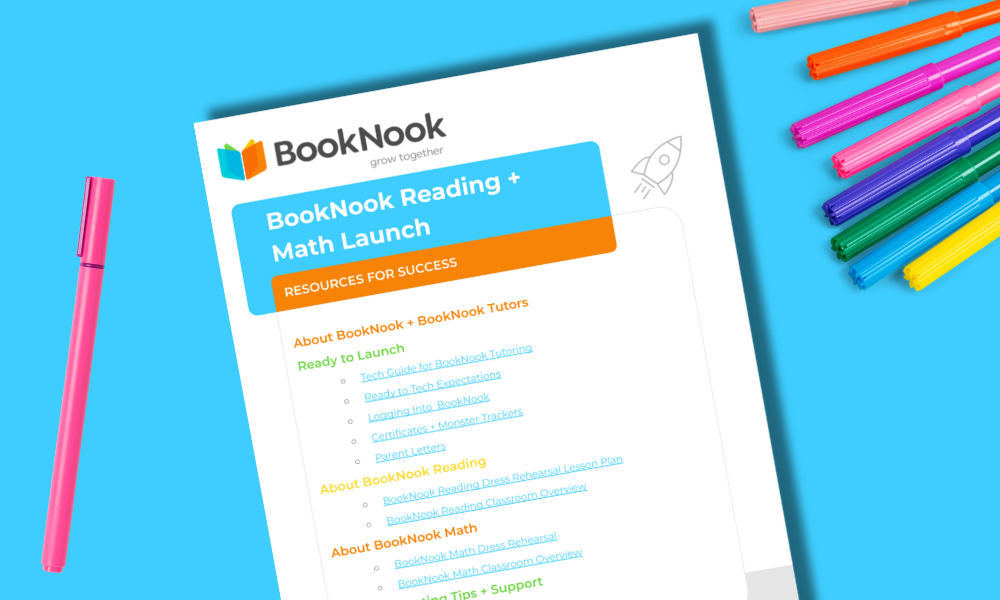
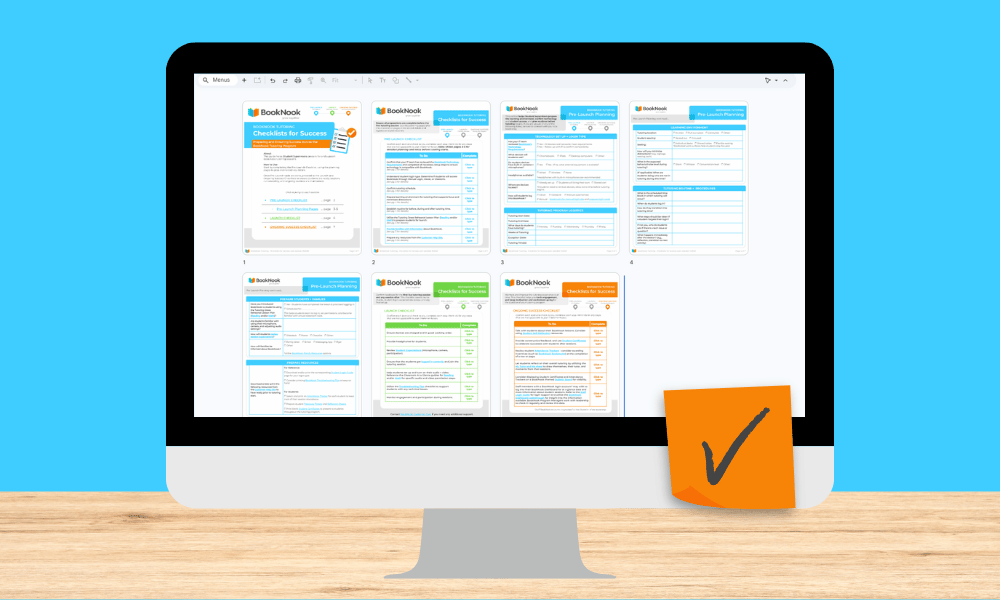
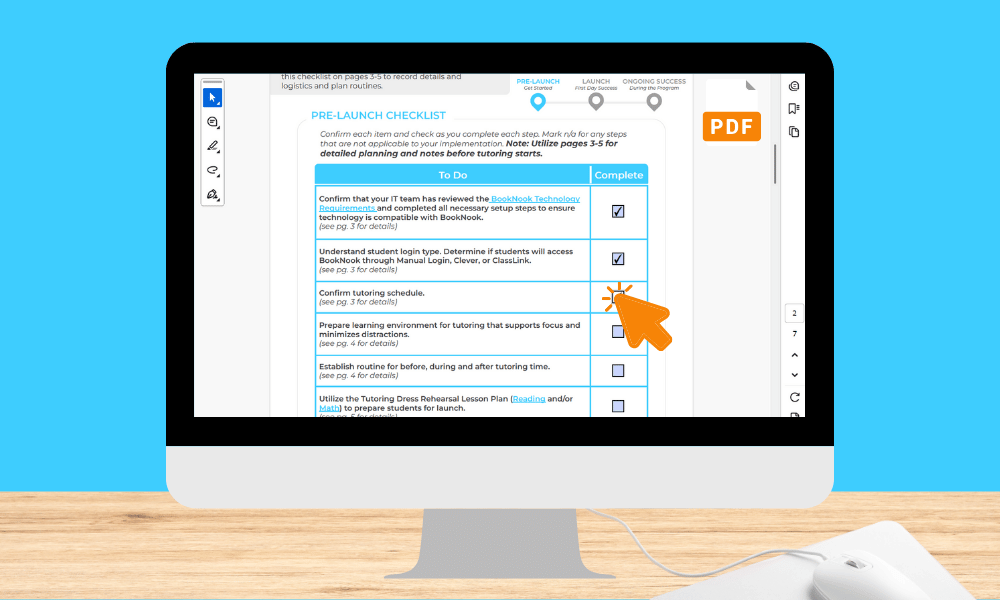
✔ Complete the Pre-Launch Checklist on pg. 2 and use the planning pages on pgs. 3-5 to record key details and plan routines.
✔ Review the Launch Checklist on pg. 6 to confirm readiness for each tutoring session. Post a printed copy in a visible spot at your tutoring space as a quick reminder of daily prep steps. Check off items in real time as part of your routine.
✔ Follow the Ongoing Success Checklist on pg. 7 to track engagement and maintain motivation.
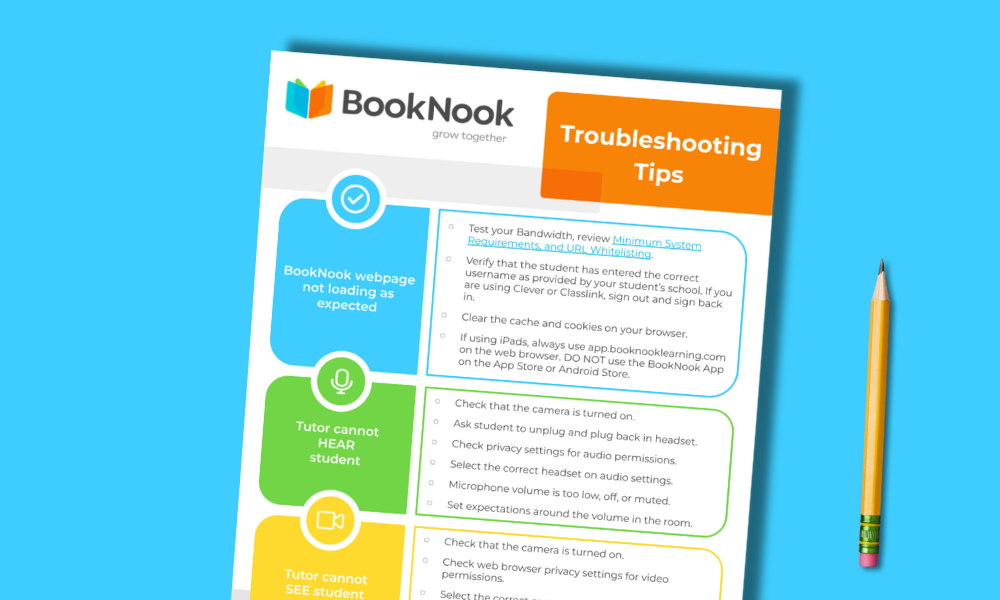
✔ Reflect after sessions by revisiting the checklist and noting any recurring tech or environment issues to adjust.
✔ Share the checklist with substitutes who may assist with sessions.
Click the button below to make a copy of the Google Slides version of the BookNook Tutoring Checklists. On the Google Slides copy, you can type directly into the checklist tables on each slide.
*You must be signed into a Google account to access, copy, and edit the file.
Fillable PDF Version
Click the button below to save a copy to your device. Once downloaded, open the PDF and click into the fields to type or check boxes. Remember to save your changes so your updates are not lost.