BookNook Math
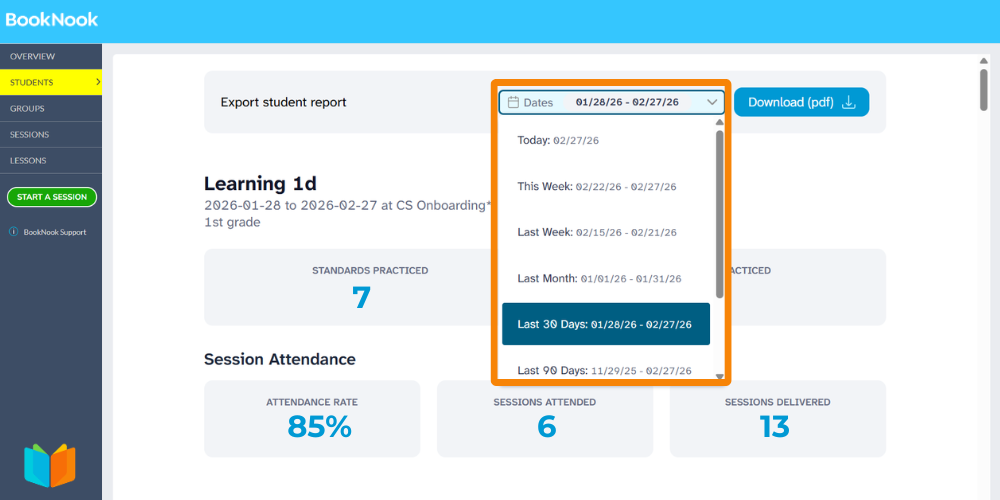
Filter Student Reports by Date
You can now customize the timeframe for your Student Reports! Utilize the date filter to generate progress reports for specific periods or your own custom


You can now customize the timeframe for your Student Reports! Utilize the date filter to generate progress reports for specific periods or your own custom
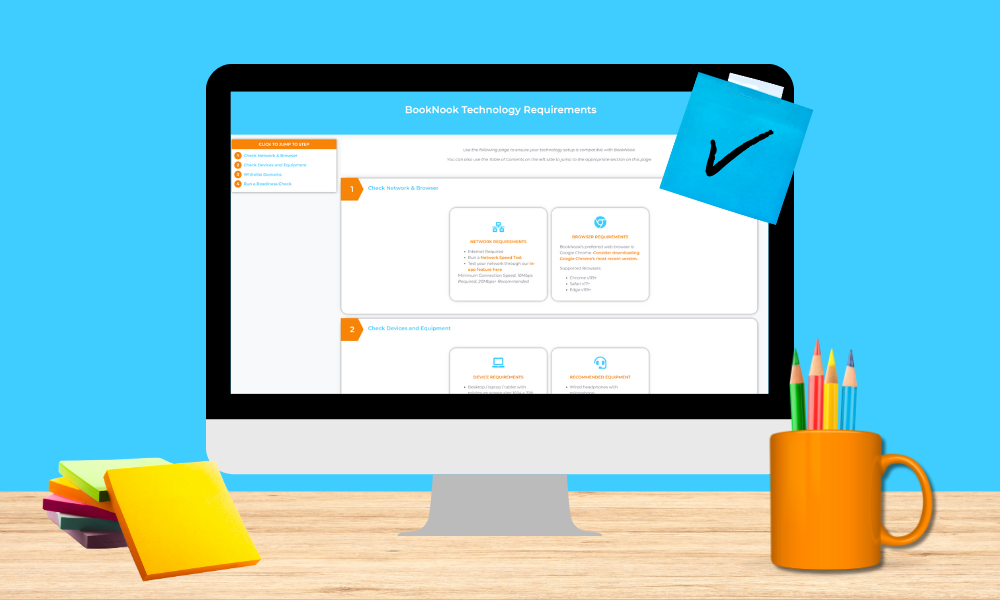
Important technical requirements for utilizing BookNook at your site.
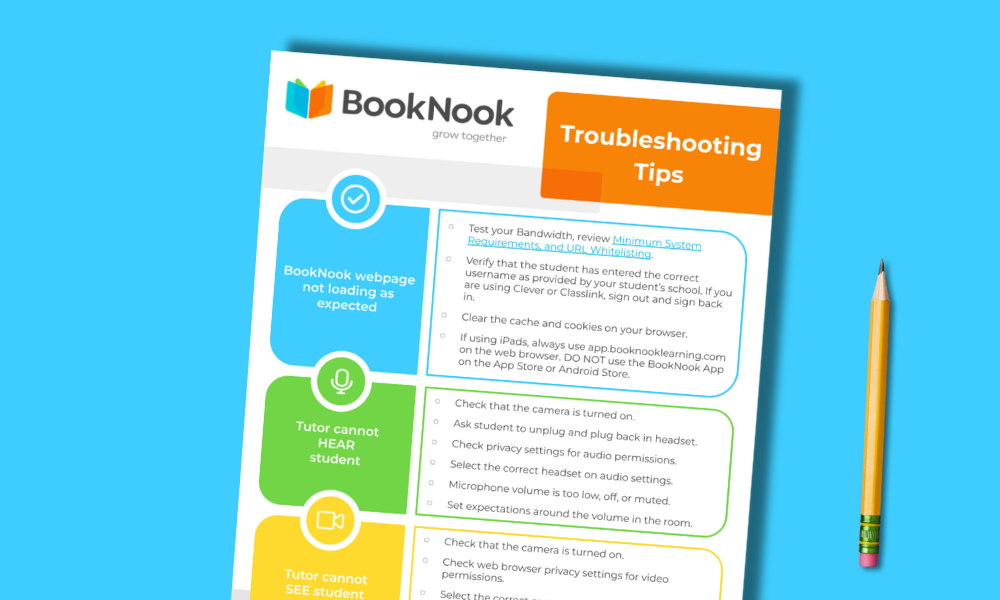
This printable checklist provides step-by-step solutions for common technical issues, ensuring a smooth BookNook Virtual Classroom experience.
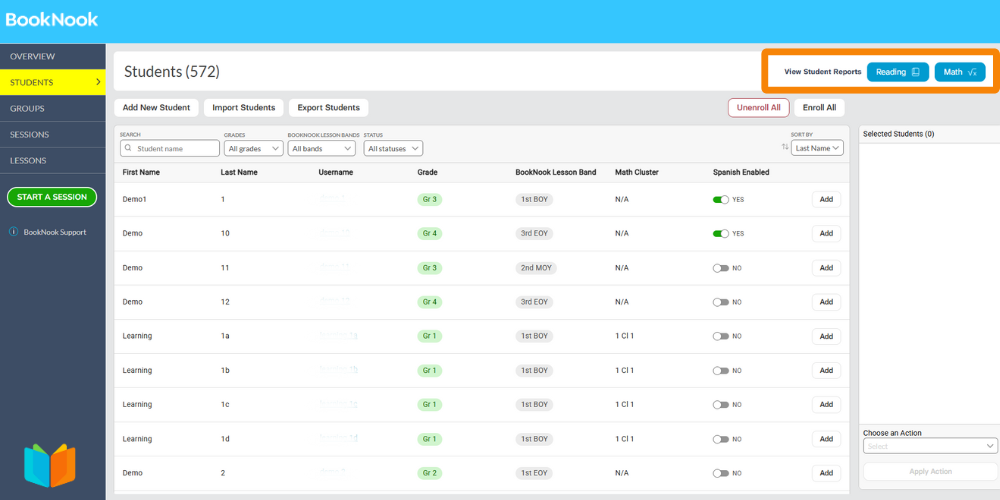
You can now view and download student progress reports directly from your BookNook Dashboard. These cumulative reports are available by subject (Reading or Math) and
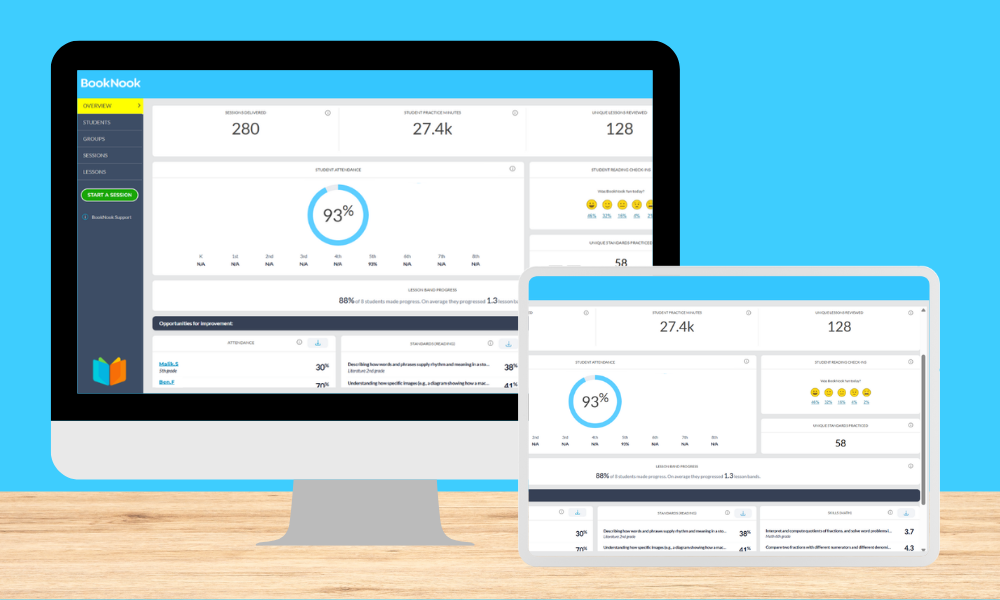
Learn more about the BookNook Dashboard and the information available with this text-and-image alternative to our interactive demo.

Users can now view Student Engagement and Understanding scores directly in the BookNook Dashboard for students receiving Math tutoring. What’s new: These two metrics, tracked
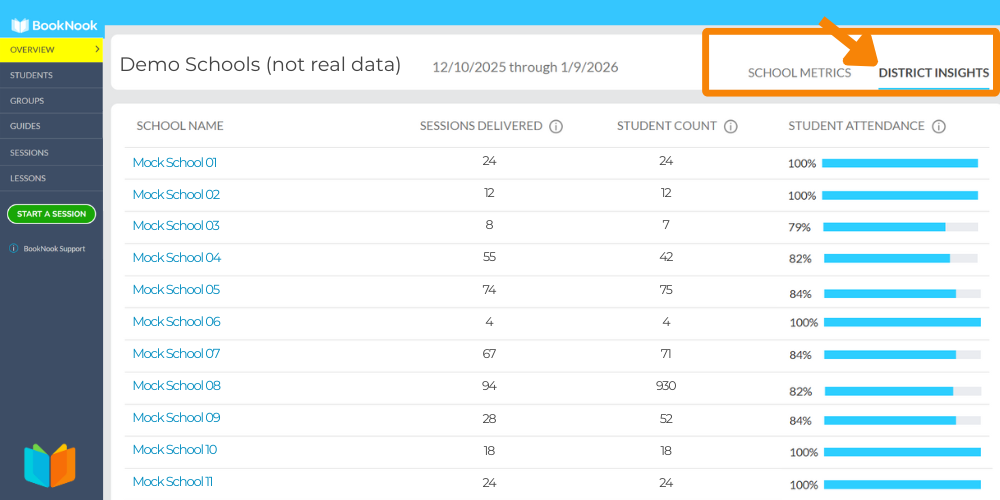
Those with District access will now see a new District Insights tab, located at the top of the BookNook Dashboard home page upon login. This
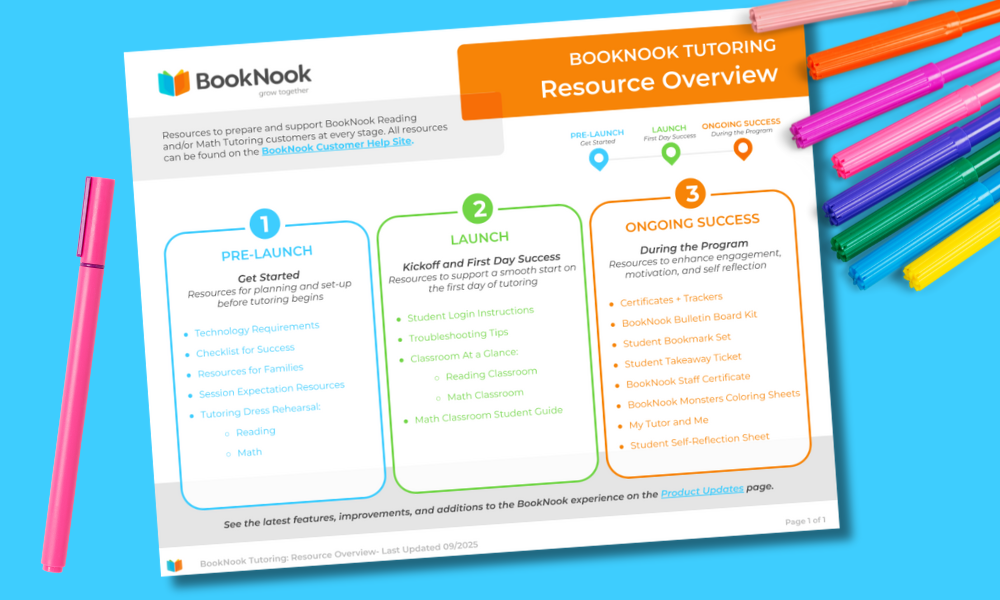
Clickable guide to resources to support your BookNook Tutoring Reading and Math launch.
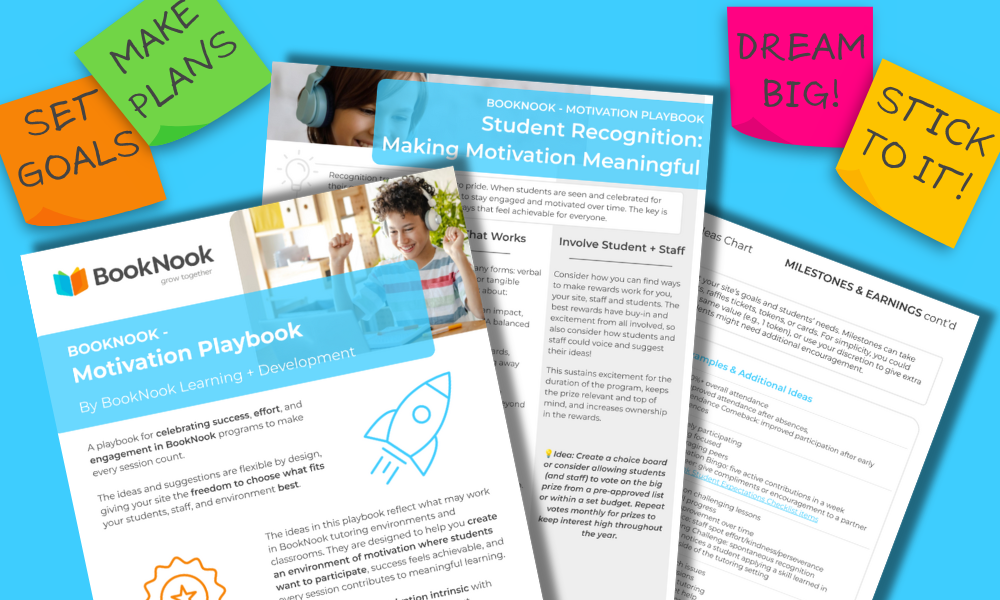
Playbook with actionable, flexible strategies and creative ideas to build a motivating tutoring environment, recognize student and staff efforts, and boost engagement in your BookNook program.
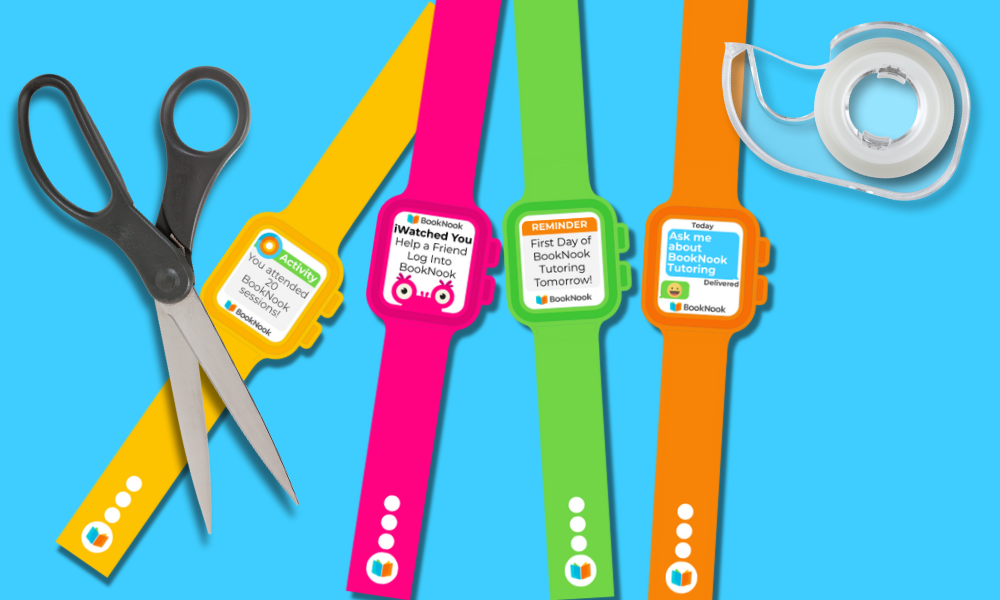
Printable BookNook Student Smartwatches for recognizing achievements, sharing reminders, and engaging students. Includes pre-filled and blank designs.